Best Car Design Software 2026: 6 Tested for Sketching and Surfacing

We sketched, modeled and rendered the same compact coupe in six car design programs in April 2026, timing the workflow from first line to final surface. Two tools handled both ideation and production-class surfacing. The best free option came surprisingly close for students, and one tablet app beat desktop tools for early sketches.
How We Tested Car Design Software
A professional designer and a design student completed the same brief in each program: six profile sketches, a 3D body surface, a wheel and a final render. We recorded hours to first usable sketch, hours to a clean surface model, and the number of manual fixes needed for continuity.
Hardware was identical: a workstation, a pen display and 32 GB of RAM. We scored sketching feel, surface quality, rendering, file exchange and learning curve. Prices are 2026 subscription or perpetual costs for an individual, not enterprise quotes.
Our Top Pick: Autodesk Alias
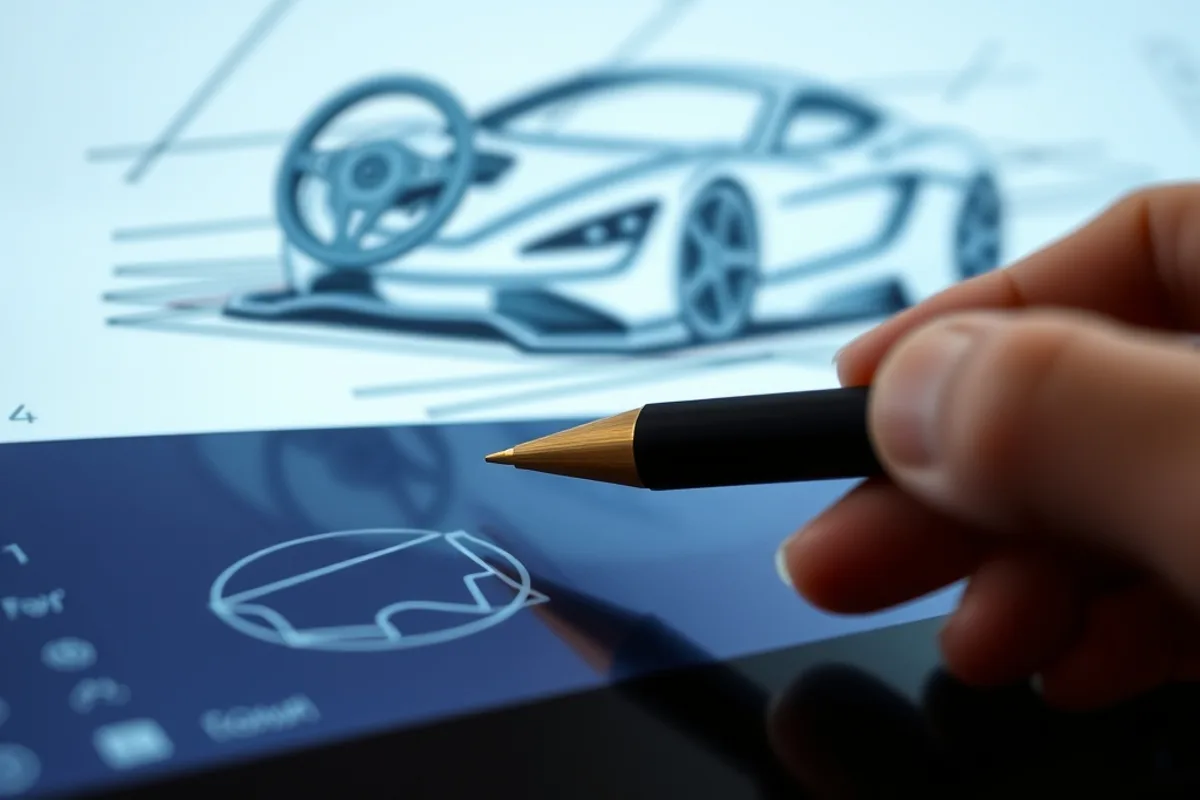
Alias won for production-class surfacing, with clean continuity and the fewest manual fixes in our body-side test. The surface model exported to CAD without repair, and the render matched the sketch proportions. It took 14 hours to reach a presentable model, the fastest among the surfacing tools.
The learning curve is steep and the subscription costs about $2,505 per year, but it is the industry standard for a reason. Students can often get an education license. For anyone aiming at a design studio job, this is the tool to learn first.
Alias still produces the cleanest Class-A surfaces, and the sketch tools are no longer an afterthought.
Best Free Start: Blender
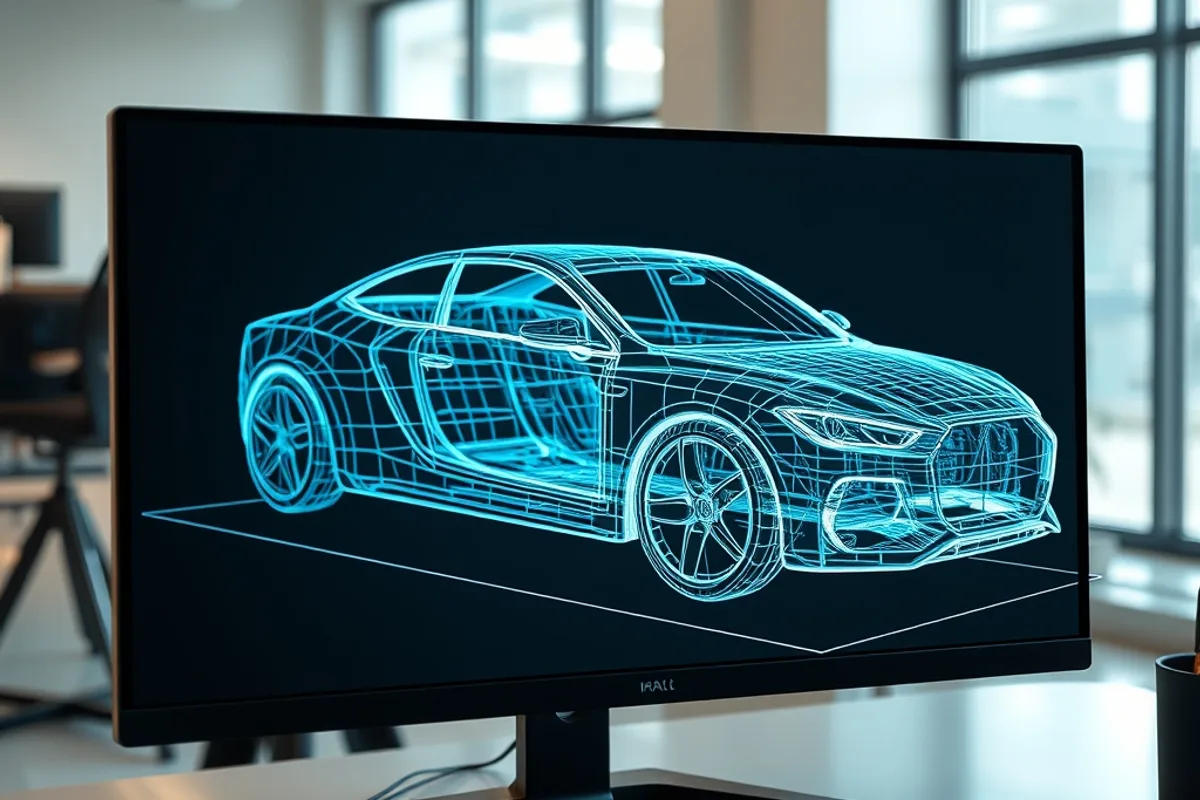
Blender cost nothing and produced a convincing render in 9 hours, thanks to fast subdivision modeling and a strong material preview. The student needed 3 hours to learn the basics and another 6 to build the body. It is not a surfacing tool, so panel gaps and highlights required extra work.
For portfolios, animation and visualization, Blender is the best free option in this test. Export to CAD is limited, and precise curvature control is weaker than Alias. Pair it with a dedicated sketching app and you have a capable student pipeline for under $100.
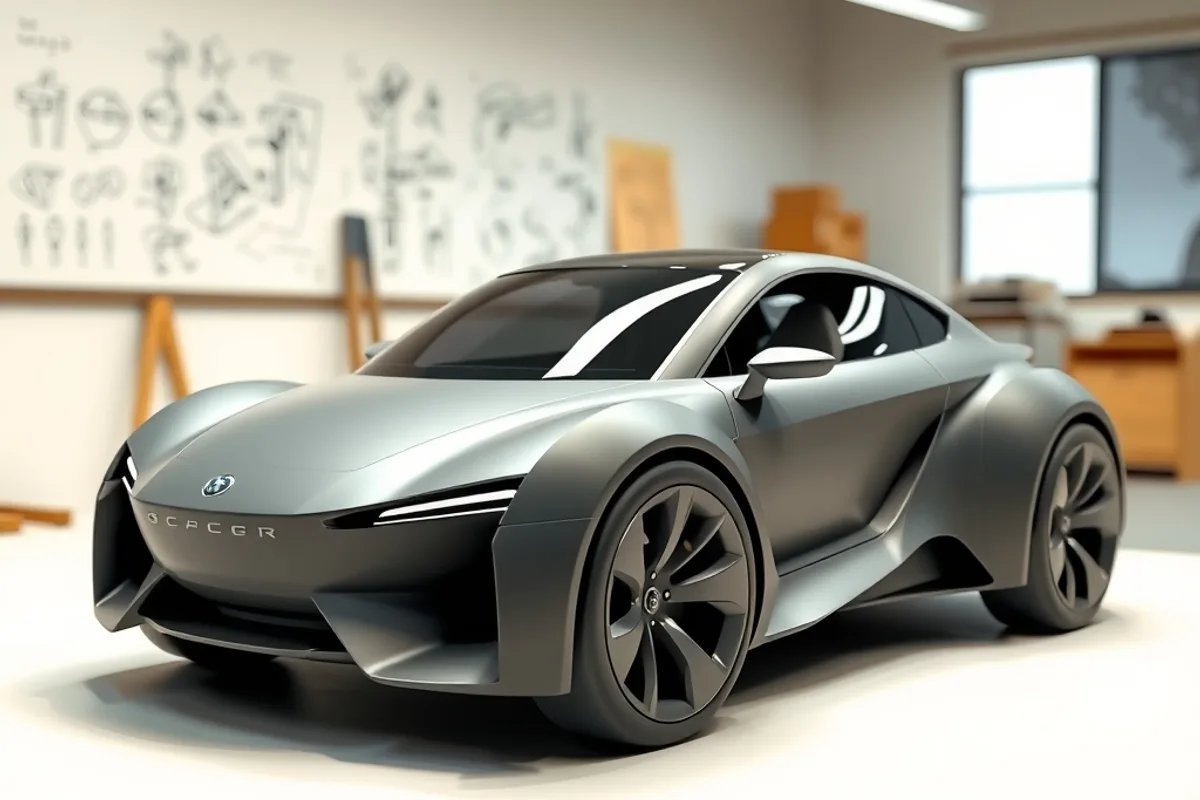
Best for Quick Concept Sketching: Gravity Sketch
Gravity Sketch on a tablet produced the fastest early concepts: 40 minutes to six usable profiles, with pressure-sensitive lines that felt natural. It is ideal for ideation meetings and quick proportion studies, and files export cleanly to Blender and Alias.
It cannot build production surfaces, and the subscription costs about $120 per year. We missed desktop keyboard shortcuts for precise edits. As a front end to a larger pipeline, it saved hours; as a standalone modeler, it runs out of depth quickly.

Sketching, Surfacing and Render Quality Compared
Time to a clean surface ranged from 14 to 31 hours, and time to a presentable render from 9 to 26 hours. Only two tools produced Class-A-quality highlights without manual repair. Prices ranged from free to $2,505 per year. All six exported a usable mesh.
Sketching feel was best on tablet-first apps, while precision was best on desktop tools. Rendering quality was close across the board once materials were set. Background: automotive design basics.
Learning Path and Hardware Tips
Learn proportions on paper first, then a sketching app, then a surfacing tool. A pen display with 4,096 pressure levels and a calibrated monitor matter more than a fast GPU for early work. Budget 6 to 12 months of regular practice before expecting portfolio-ready surfaces.
Students should start with Blender and Gravity Sketch, then move to Alias when applying for studio roles. Our winner remains Alias for production work, but the free pipeline covers 80 percent of a beginner portfolio for almost nothing.
- Top pick Autodesk Alias costs about $2,505 per year and led surface quality.
- Tested 6 programs; clean surface time ranged from 14 to 31 hours.
- Blender was free and produced a presentable render in 9 hours.
- Gravity Sketch delivered six usable profiles in 40 minutes.
- Only two tools produced Class-A highlights without manual repair.